Free Wi-Fi Hotspots by Internet Provider
Who qualifies, what's included, and how to connect

Aug 12, 2026 | Share 


Brand Guides
If you’re an internet or mobile subscriber, you likely have access to a nationwide network of tens of millions of free Wi-Fi hotspots—and you might not even realize it.
Combined, major providers like Xfinity, Spectrum, and Cox offer tens of millions of access points, turning public spaces into an extension of your home internet. Whether you are looking to save on mobile data or just need a reliable connection while traveling, these hotspots are a valuable resource.
This guide will walk you through which providers offer this perk, how you may be able to leverage cross-provider roaming agreements, and how to find and connect to hotspots in your area.

Looking for internet service near you?
Enter your zip and choose a provider today.
How provider hotspots work
Most provider hotspots available from Spectrum, Xfinity, and Cox use the same routers and gateways customers use for their home internet equipment. Provider hotspots from Spectrum, Xfinity, and Cox can be broadcast from routers and gateways supplied to residential and business internet customers. The equipment provides a public-facing Wi-Fi connection that’s separate from the home and business Wi-Fi networks.
Hotspots from other providers, such as Optimum and AT&T, use separate equipment. In some cases, you can find these enterprise-grade hotspots from the other companies as well.
Either way, you typically sign in using the same username and password you use to log into your provider’s mobile app or pay your bill online.
Eligibility and access vary by brand, and the specifics matter. Before you enter your account info into any public hotspot (secured or unsecured), make sure it’s legit.
How provider networks help keep you safe
A hotspot from your own provider isn’t the same kind of “free Wi-Fi” as the open network at a coffee shop or airport. Instead of a shared password anyone can type in, your device connects using your own account credentials, and that connection runs through your provider’s access point.
When you log into a hotspot managed by your internet provider, you’re not sharing a network—or your data—with random strangers the way you would be on a fully open hotspot.

Pro tip: Protect yourself on any public network
Provider hotspots are safer than unsecured public hotspots, but you should be cautious any time you’re connecting to a network away from home. Here are three quick ways to protect your data:
- Use a virtual private network (VPN) to encrypt your data from end to end.
- Avoid logging into banking, email, or other sensitive accounts.
- Use a password management tool.
- Keep your device’s operating system and apps up to date.
Free hotspot access by provider, at a glance
| Provider | Free hotspot network | Eligibility |
|---|---|---|
| Xfinity | Yes | Xfinity Internet and Mobile subscribers |
| Cox | Yes | Cox Internet customers |
| Optimum | Yes | Optimum Internet customers |
| Spectrum | Yes | Spectrum Mobile customers |
| Mediacom | Yes | Xtream Internet customers |
| AT&T | Limited | AT&T Internet and Mobile customers (unconfirmed) |
| Verizon | No | N/A |
| T-Mobile 5G Home Internet | No | N/A |
The nation’s biggest cable internet companies offer free hotspot access to subscribers, but there are differences in who is eligible and how to connect. Read on for provider-level details.
Does Xfinity offer free Wi-Fi hotspots?
Yes—Xfinity runs the largest hotspot network in the country, with roughly 23 million hotspots created through customer gateways rather than standalone public access points. Access is included for both Xfinity Internet and Xfinity Mobile subscribers.
Most devices connect automatically once you’ve signed into the Xfinity app or set up your account’s auto-connect profile, and the app also includes a hotspot map for finding one before you’re in range.
Here are the SSIDs (network names) to look for:
- xfinitywifi
- XFINITY
- Xfinity Mobile
Xfinity hotspot map
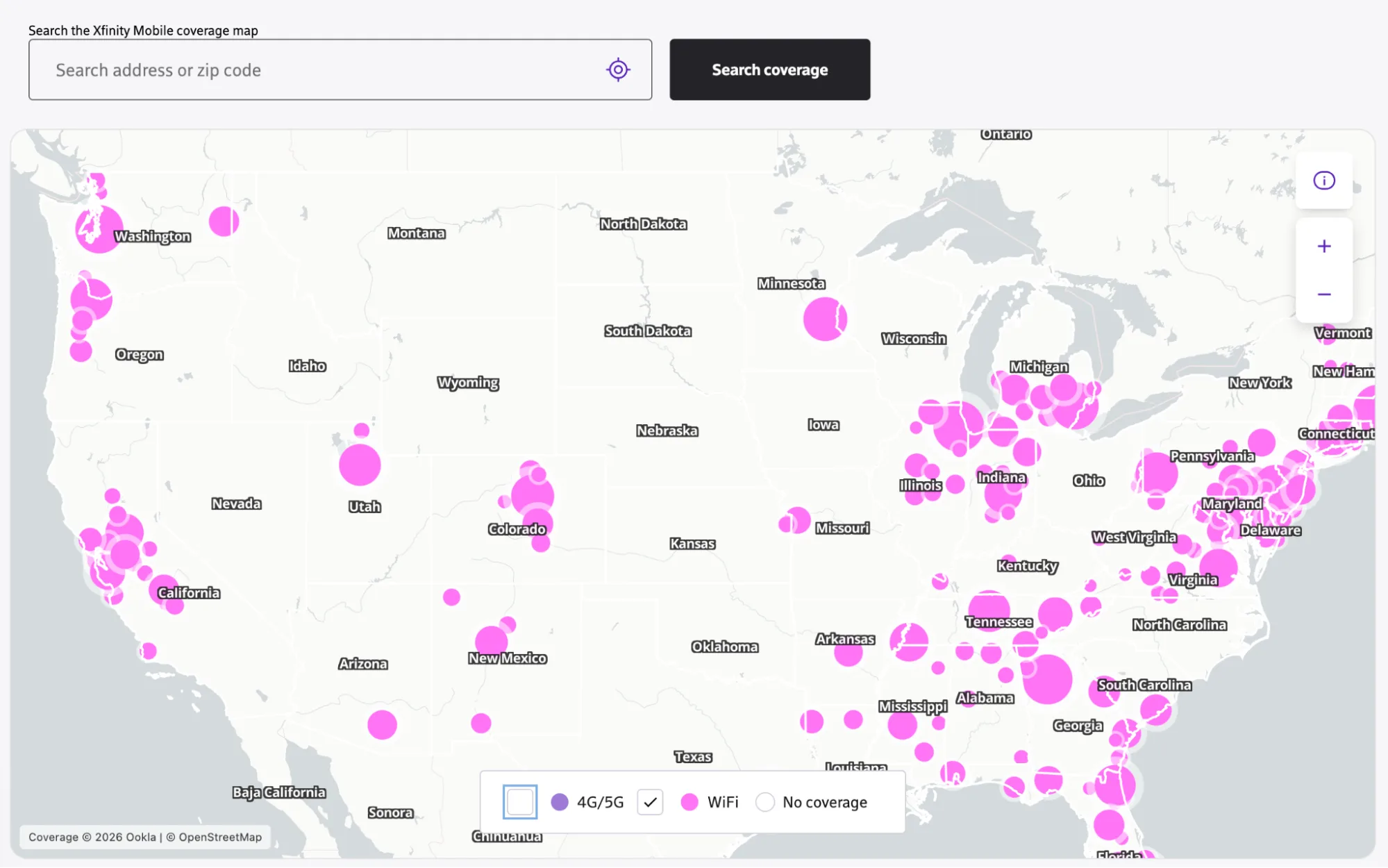
The Xfinity hotspot map is searchable by address or zip code. Use it to find a secure Xfinity hotspot near you, then log in with your Xfinity account information. Source: Xfinity
Does Cox offer free Wi-Fi hotspots?
Yes—Cox hotspots cover roughly 4 million locations nationwide and are included free for any Cox Internet customer, not just Cox Mobile subscribers. Cox Mobile customers get an added convenience layer through a dedicated “Cox Mobile” network that connects automatically with enhanced performance. Connect through the Cox App or by choosing a Cox network in your network settings and entering your account info.
Look for these SSIDs (network names):
- CableWiFi
- CoxWifi
- Cox Wifi
Cox hotspot map
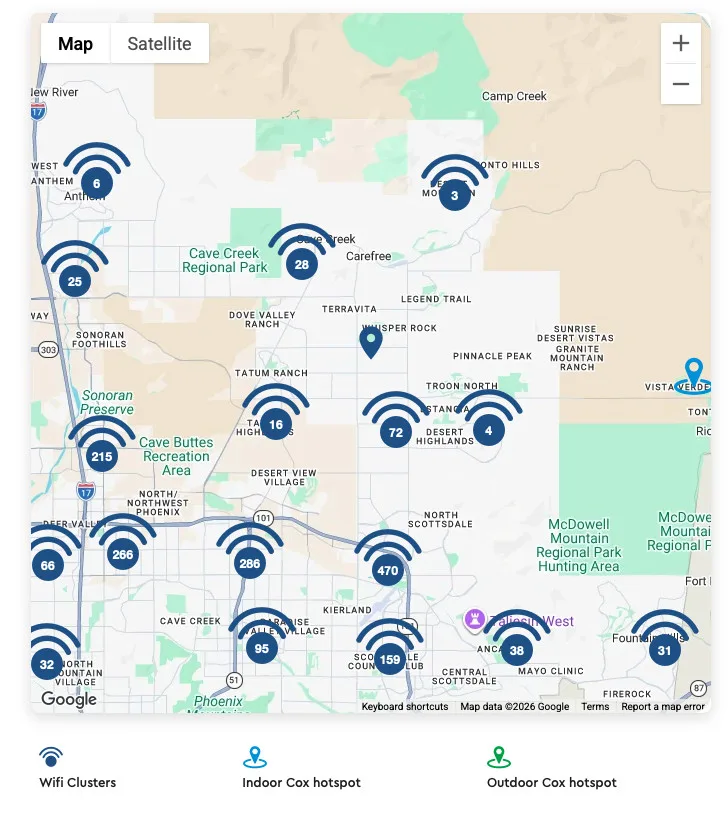
The Cox hotspot map is searchable by address, city, or zip code. Use it to find a secure Cox hotspot near you, then log in with your Cox app or Cox account information. Source: Cox Communications
Does Optimum offer free Wi-Fi hotspots?
Yes, Optimum offers hotspots for its internet and mobile customers. More than 1 million hotspots are available, and you can connect via the Optimum App or by finding an Optimum network and signing into your account. In addition to verifying your account info, Optimum uses 128-bit encryption.
These are the SSIDs (network names) to look for:
- Optimumwifi (open public network)
- optimum (secure public network)
If you aren’t an Optimum customer, you can buy a daypass for $4.99 to access most hotspots in New York City, or you can buy a NYC Parks hotspot pass for $0.99. Free passes are also available on NJ Transit and Long Island MacArthur Airport.
Optimum hotspot map
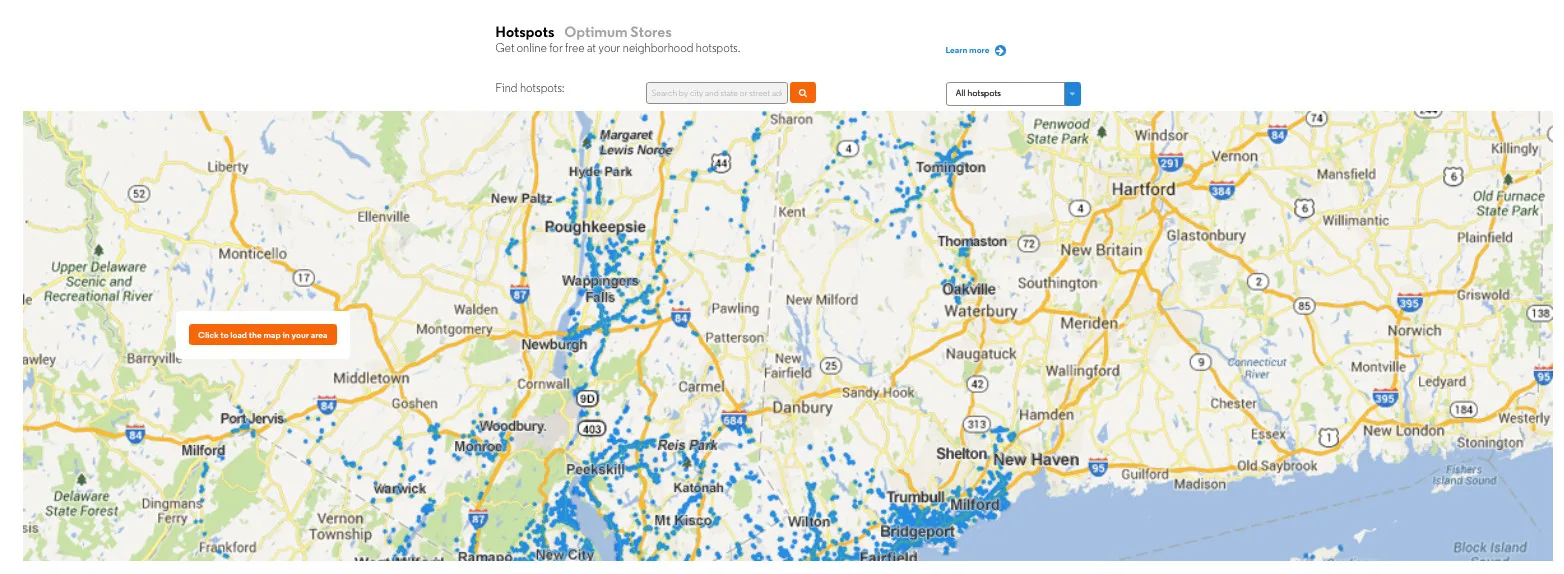
The Optimum hotspot map is searchable by city and state or zip code. Use it to find a secure Optimum hotspot near you, then log in with your My OPtimum app or Optimum account information. Source: Optimum
Does Spectrum offer free Wi-Fi hotspots?
Spectrum offers more than 45 million hotspots around the U.S., but they’re only for Spectrum Mobile customers. If you have Spectrum but pay only for internet service, you will be limited to a 30-minute free trial of Access Point WiFi services once per month. However, Spectrum Mobile customers with qualifying devices can get a speed boost by signing into the hotspots. The My Spectrum app is the best way to connect.
Spectrum doesn’t list its SSIDs (network names), and it cooperates with other internet providers, so some participating access points won’t be Spectrum-branded. However, your Spectrum Mobile device should connect automatically if it’s new enough.
You might see the following network names:
- Spectrum Mobile
- spectrum mobile
Spectrum WiFi Access Point map
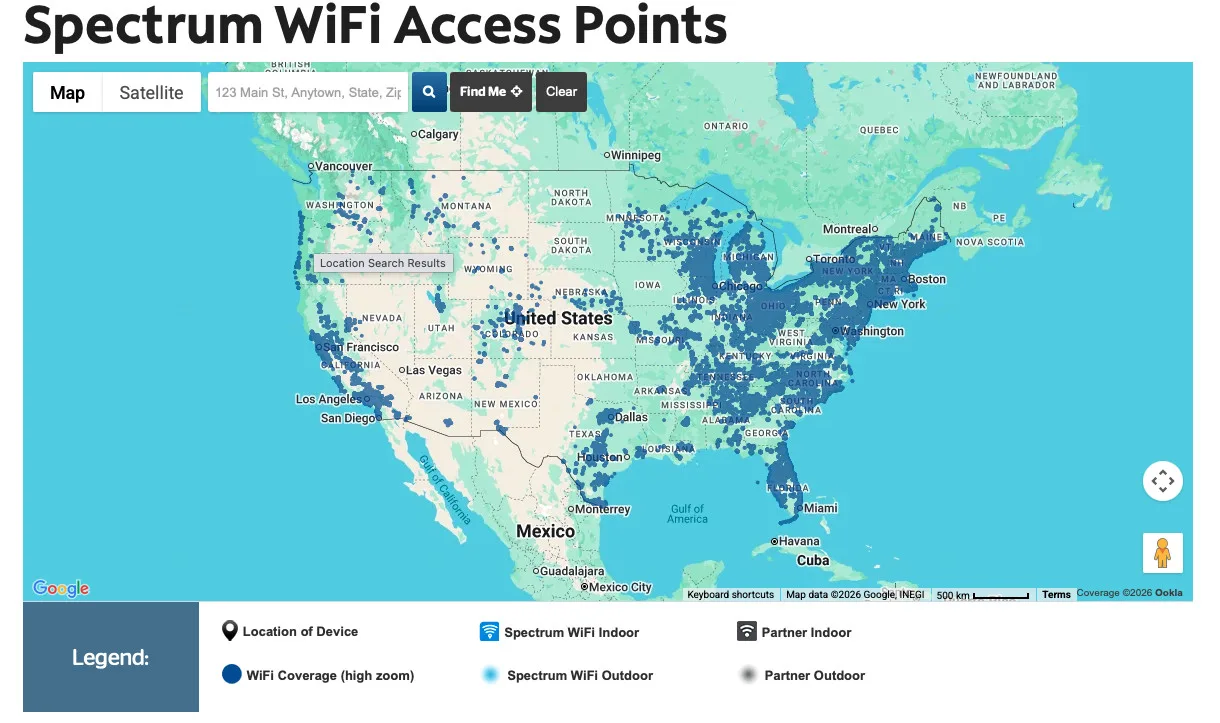
The Spectrum Wifi Access Point map is searchable by street address. Use it to find a secure Spectrum Mobile hotspot near you, then log in with your My Spectrum app. Source: Spectrum.
Does Mediacom offer free Wi-Fi hotspots?
Yes, Mediacom offers what it calls “Xtream Hotspots,” but its network is regional rather than nationwide. Like its cable internet competitors, it uses home network equipment to broadcast a second public network. Access is included free for Xtream Internet customers, not gated for Mediacom Mobile customers only. Anyone who isn’t yet a Mediacom customer can use the hotspots for 30 minutes per month.
Mediacom doesn’t supply public instructions about how to join or which network names (SSIDs) to use.
Mediacom Xtream Hotspot map
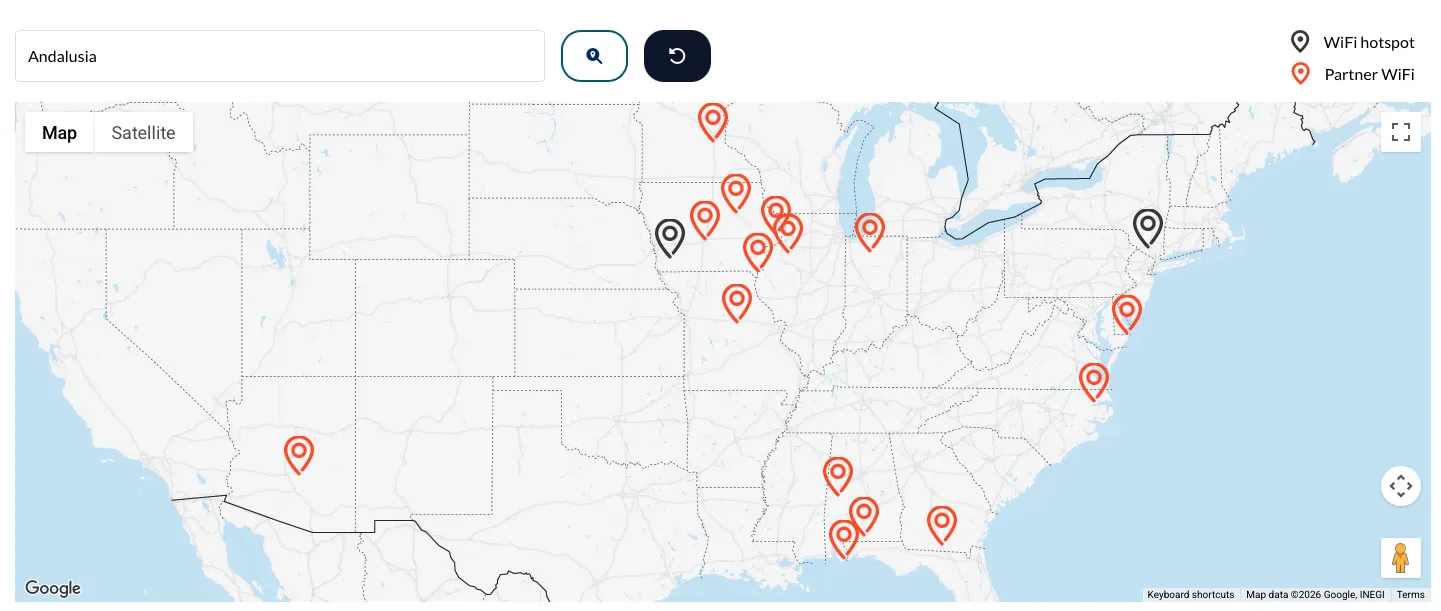
The Medicacom Xtream Hotspot map is searchable by region. Use it to find a hotspot near you. Access is free for customers, but limited to 30 minutes per month for non-customers. Source: Mediacom.
Does AT&T offer free Wi-Fi hotspots?
AT&T offers hotspots at public locations like coffee shops and airports, and old documentation says they are available for AT&T internet customers. We couldn’t confirm that with any new info or a hotspot map, though. Either way, the company uses its own equipment rather than broadcasting a separate network on customer equipment, so there aren’t nearly as many hotspots as you’ll find with cable internet competitors.
The SSID (network name) to look for:
- attwifi
Does Verizon offer free Wi-Fi hotspots?
No, Verizon doesn’t offer free Wi-Fi hotspots. The company ran a free Fios hotspot program starting around 2009, but it’s no longer active or marketed today.
Does T-Mobile offer free Wi-Fi hotspots?
No, T-Mobile doesn’t offer free public hotspots around town, but students may be able to get free or low-cost hotspot devices to take home.
Cross-provider roaming: The CableWiFi Alliance
In 2012, a consortium of cable internet companies including Xfinity, Spectrum, Cox, and Optimum, launched the CableWiFi Alliance with the goal of providing nationwide hotspot access to any customer.
We haven’t heard much about the project lately, but you may still see CableWiFi access points now and again. You probably won’t connect automatically through your provider’s app, but you may be able to connect and then enter your account info on a splash screen.
Even if you don’t see a CableWiFi access point, you may be able to connect to another provider’s access point in the same way—choose the network in your Wi-Fi settings, then enter your account info on the screen that pops up.
My best advice? A “CableWifi” hotspot or another provider’s hotspot is probably safer than an unsecured public hotspot or one that just requires a simple password, but it can be almost impossible to know whether the access point is legit. You may be better off using your mobile data and connecting on a personal hotspot.
How to find and connect to a hotspot
Connecting to your internet provider’s hotspots located around town is easy. With your login credentials handy, here’s how to connect when you’re away from home.
- Use the provider map linked above to find hotspot locations near you before you head out.
- Check your Wi-Fi settings once you arrive or any time you’re out and about. If you’re in range of a hotspot, you’ll see the provider’s network name (like xfinitywifi or spectrum mobile) in your list of available networks.
- Sign in through your provider’s mobile app. Many devices connect and authenticate automatically once you’re logged in, so you may only need to do this once.
- Select your provider’s network in your Wi-Fi settings on your device if you don’t have the app. A splash page will pop up where you can sign in with your account credentials.
My take: The main barrier is awareness
The main barrier here isn’t availability—it’s awareness. Provider hotspots are a genuine perk for home internet customers: They let you stay connected all over town, which means less strain on your mobile data plan. They’re also more secure than typical public hotspots, and speeds are usually faster and more reliable than what you’d get over cellular.
If you’re planning to work, study, or game away from home, sign into your provider’s mobile app first. Once you’re within range of a hotspot, you’re covered.
FAQ about free provider hotspots
Do provider hotspots work when traveling internationally?
Can I sign into other providers' hotspots when I'm traveling?
Do these hotspots count against my mobile data?
Is a provider hotspot safe enough for online banking or work?
Author - Chili Palmer
Chili Palmer covers home tech services, with a special focus on understanding what families need and how they can stay connected on a budget. She handles internet access and affordability, breaking news, mobile services, and consumer trends. Chili’s work as a writer, reporter, and editor has appeared in publications including Telecompetitor, Utah Business, Idaho Business Review, Benton Institute for Broadband & Society, and Switchful.com.
Editor - Jessica Brooksby
Jessica loves bringing her passion for the written word and her love of tech into one space at HighSpeedInternet.com. She works with the team’s writers to revise strong, user-focused content so every reader can find the tech that works for them. Jessica has a bachelor’s degree in English from Utah Valley University and seven years of creative and editorial experience. Outside of work, she spends her time gaming, reading, painting, and buying an excessive amount of Legend of Zelda merchandise.
Related Posts